Who it is for
For lawyers, law offices and anyone with a case.
A lawyer or an office with a team, a legal adviser, a judge, a clerk, a notary or a bailiff, a journalist, a student or someone with a case in the family: at the start you say who you are, and Radar Just fits your day, your search and your notifications to what you do.
The legal professions
For those who work with cases every day: hearings, court lists, the decisions that matter and, for offices, the shared list, tasks, time and clients.
- LawyersYour day in court with your place on the list, a search that starts from your cases, the office group and client access.
- For law officesThe office’s group, with roles and responsibles, access for clients and one-page reports.
- In-house counselThe company’s hearings over 14 days, the company followed by name and a group for the legal department.
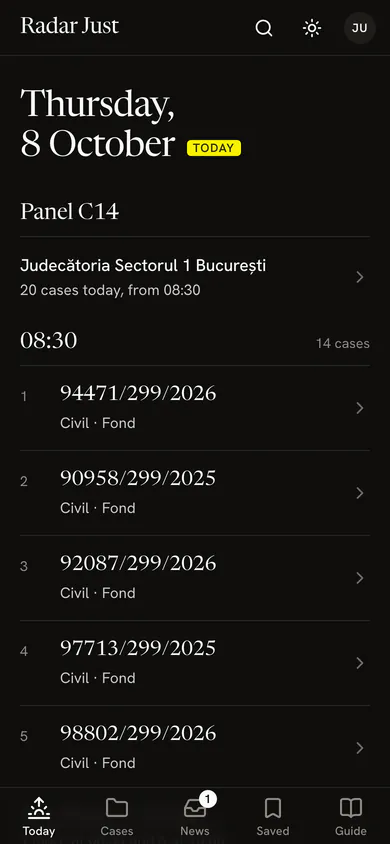
- Judges and prosecutorsThe panel’s list every morning, what moves on it, and the decisions of the ÎCCJ and the Constitutional Court.
- Court clerksThe panel’s list in the morning, the cases new or moved on the coming lists, and the panel’s group.
- BailiffsContestations to enforcement and stays first, debtors followed by name, access for the creditor.
- NotariesSuccessions, partitions and rulings that stand for an authentic act, with the ÎCCJ’s decisions.
- Insolvency practitionersThe companies in several of your cases, a group for each, and a search by company and insolvency.
- Experts, mediators, translatorsThe next 14 days of hearings, the court’s card before you set off, and reminders in time.


For everyone
For those with a single case, or who follow the courts from outside: plain explanations, no jargon, and only what concerns you.
- Your own caseYour case in plain words: the next hearing, what happened and what you can do until then.
- JournalistsWhat the Constitutional Court, the ÎCCJ and the Ministry of Justice publish, your subjects, what moved this week.
- Students and candidatesThe ÎCCJ’s decisions, the UNBR’s exam notices and the court’s words, explained in Guide.
- Everyone elseStart simple: the case on the first screen, explained in plain words, and a notification at every change.


How the app fits you
You say who you are
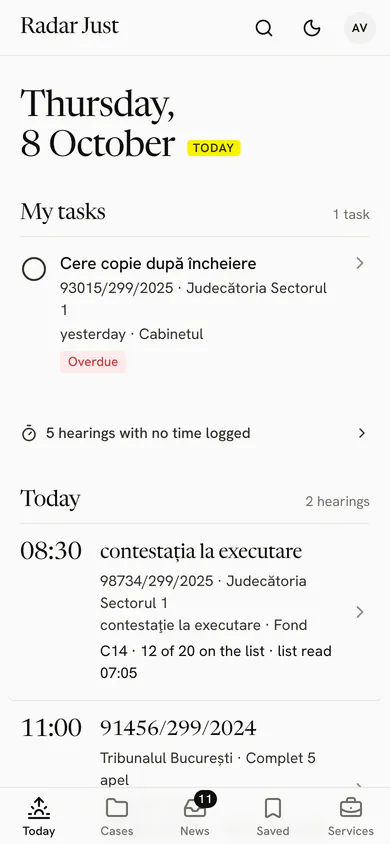
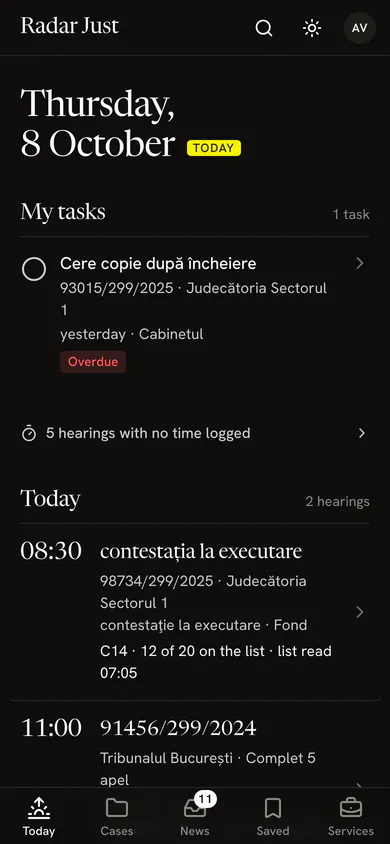
At the first step, “Who are you?” shows twelve profiles, from lawyer to “I have a case, mine or my family’s”. Under each you see what the Today screen starts with.
The app changes its order
The profile picks what you see first in Today, what the search offers you, what we email you from the start and what we suggest, once.
You change it any time
In Settings › Profile. The cases, names, subjects and sources you follow stay as they were; only the order and the suggestions change.
Lawyer 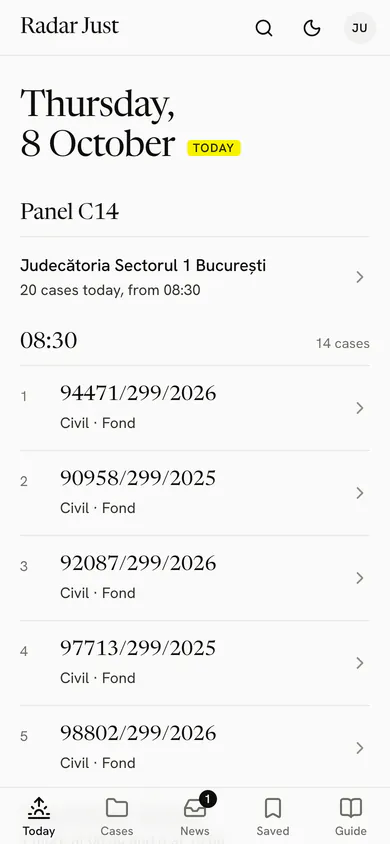
Judge or prosecutor 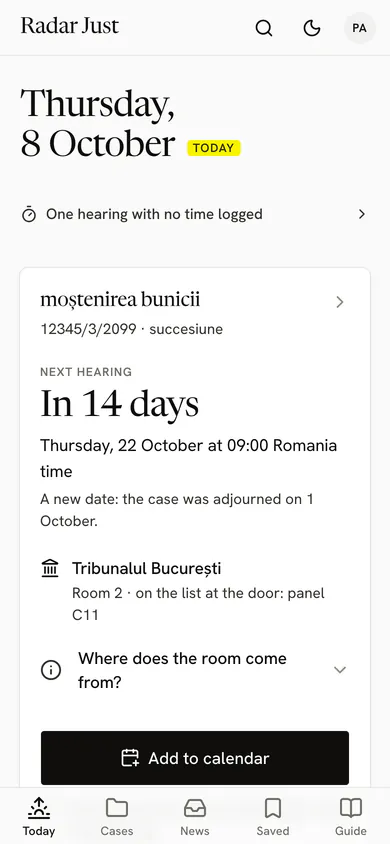
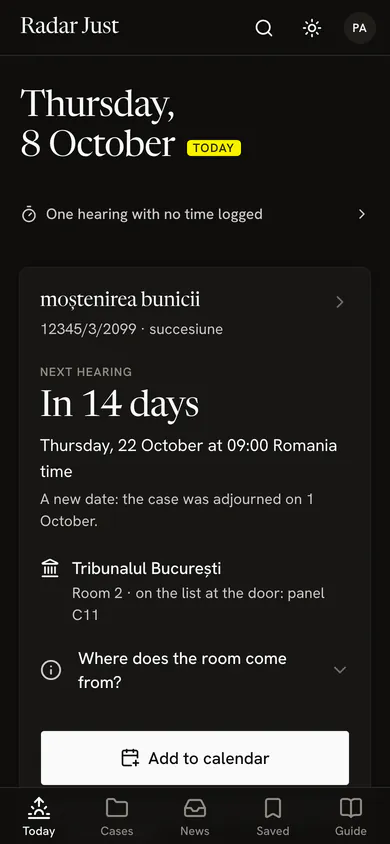
I have a case, mine or my family’s


A profile changes the order, not what you may see.
No profile hides a feature or opens anything that is not public. Whatever the profile, an account sees only its own cases, those of the shared groups it belongs to and the case a lawyer gave it access to. Only we know your profile, and we show it to no one.
Questions about profiles
Which profile do I choose if I do several things?
The one of your usual day. A profile changes only the order and the suggestions, so every feature stays one search away, and you change the profile any time in Settings › Profile.
Do I lose anything if I change my profile?
No. The cases, names, subjects and sources you follow stay. What changes is Today’s order, and what we email you, unless you chose it yourself in Settings.
Who sees the profile I chose?
Only we do. Your profile is kept on your account, is part of your data export and is erased with the account. We show it to no other user.
Does a judge see more than a party?
No. Everyone sees the same public court data. The judge’s or the clerk’s profile puts the panel’s list first; it opens no case and shows nothing that is not public.
Does it cost anything?
No. Radar Just is free for now, for every profile, with the same limits: 25 cases, 3 names or subjects and 20 court searches an hour.
Add your first case.
The number on the summons is all you need. In the browser now, on iPhone and Android soon.
You make your account with your email and a password, or sign in with Google or Apple. While it is in testing, Radar Just opens with an access code.
 Coming soon
 Coming soon